Table of Content, LO2
- Version in Portfolio game & website
- Portfolio Website Interactivity
- Belco website building
- Trello & Git for Task Management and Version Control
Visit the Lab?
Version in Portfolio game & website
Introduction
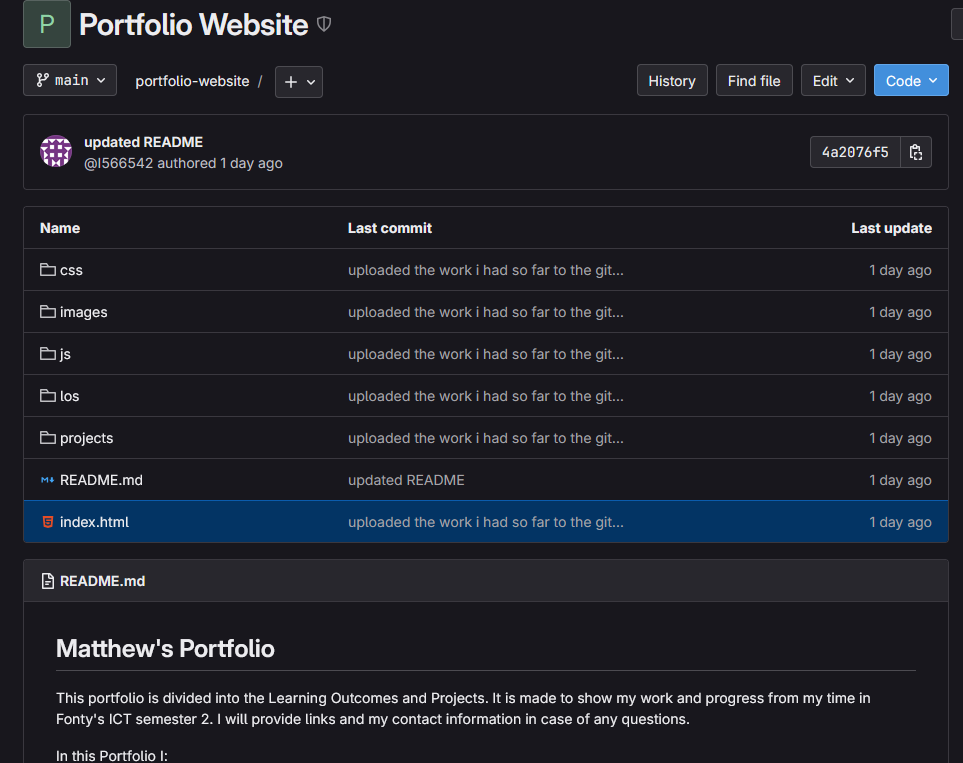
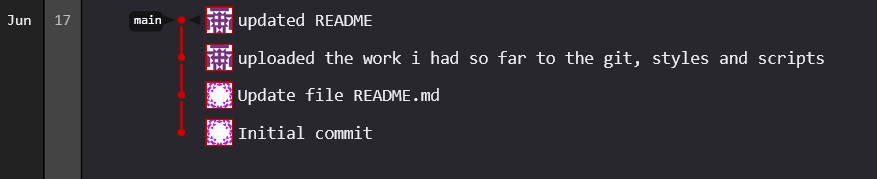
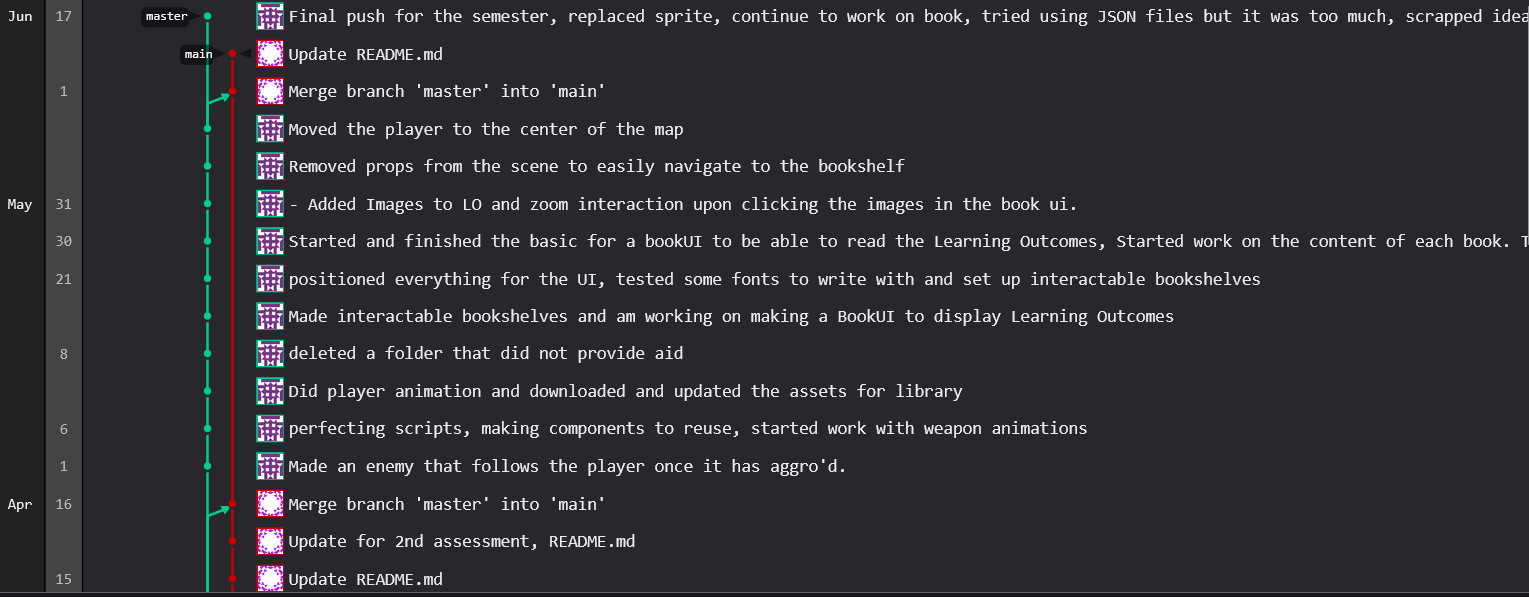
As the portfolio game became too complex to finalize on time, I transitioned to building an interactive HTML portfolio site. This new approach also used Git for version control to track iterations and manage backups.
What?
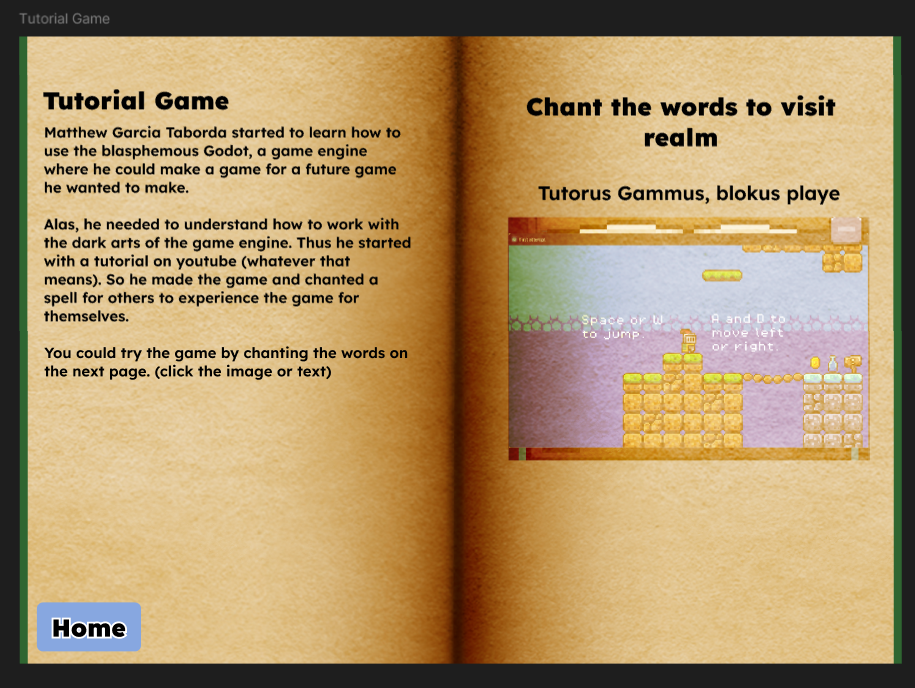
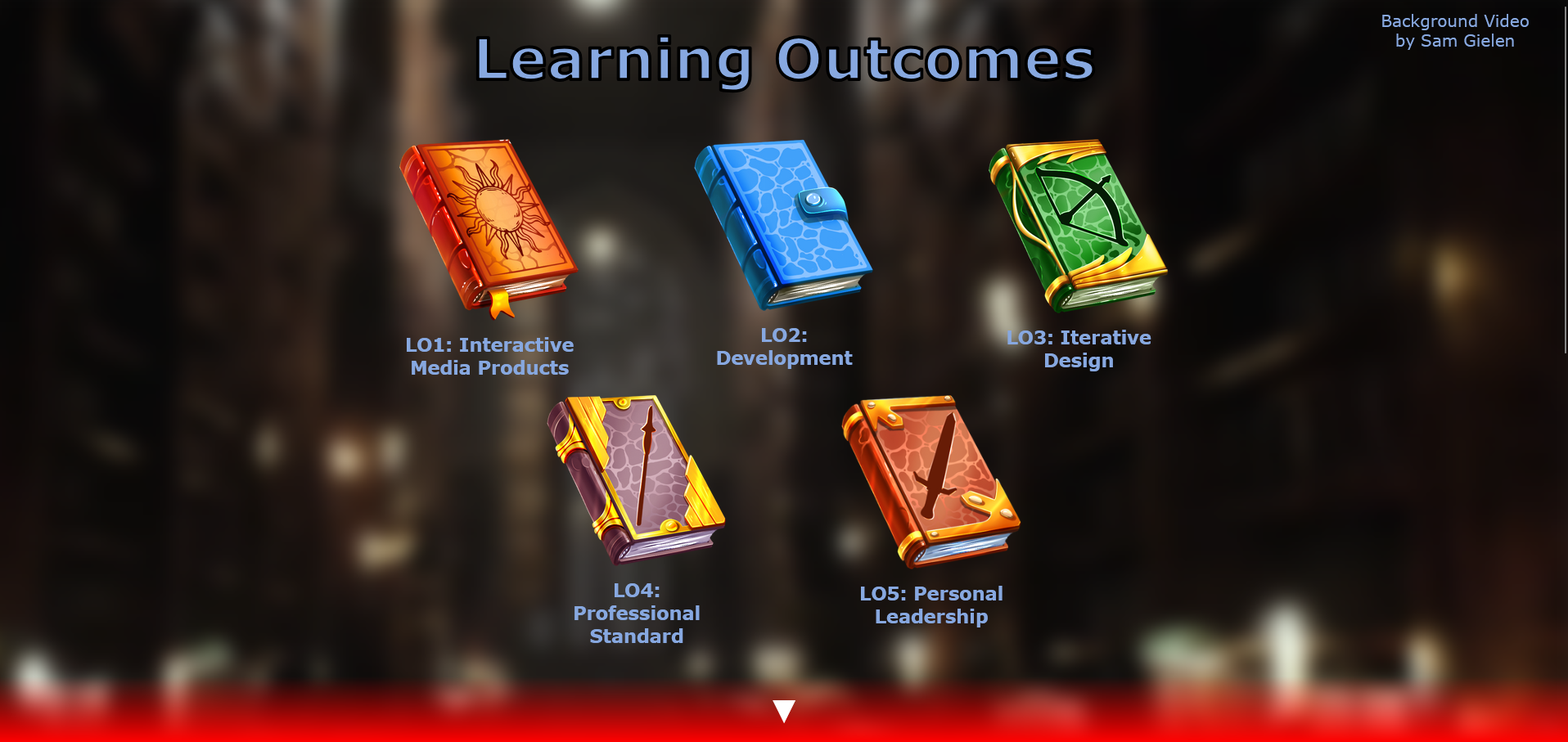
The old portfolio game was inspired by Deltarune and Stardew Valley. The new portfolio was themed like a library, with clickable books as Learning Outcome portals. The entire project was versioned using Git, pushing changes to a remote repository.
Why?
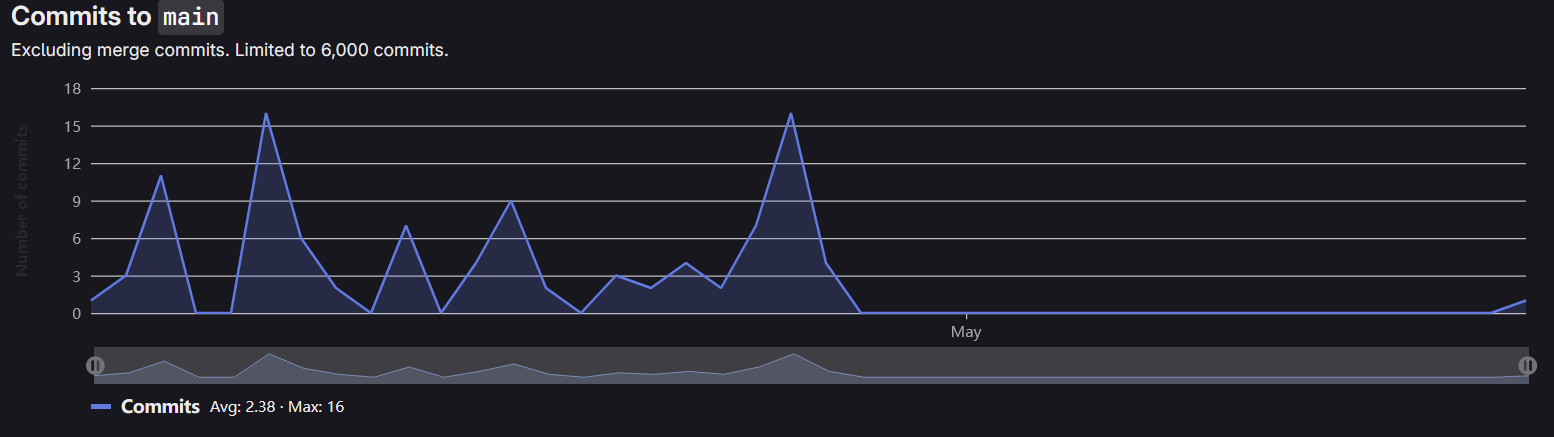
Git helped maintain a clean project structure and allowed recovery from errors or design dead-ends. It was especially helpful when applying feedback iteratively without losing earlier versions.
Recommendations
I’ve learned things to apply for future projects such as:
- I’ll use branching more in future solo projects for organized experimentation.
- Keep track of feedback iterations to write better commit messages
- Push more often especially after altering code based on feedback.
Portfolio Website Interactivity
Introduction
While developing the Belco Education website and transitioning from a game-based portfolio to a web-based one, I focused on delivering dynamic, user-friendly interactions using HTML, CSS, and JavaScript. I aimed to improve the user experience by applying front-end techniques and researching interactive designs.
What?
I developed several interactive features for the portfolio site, including:
- A scroll-triggered book layout that cycles content as the user scrolls.
- JavaScript-powered filtering for easier navigation through content.
- A full-screen CSS video background for immersion.
- Hover effects and animated transitions to guide user attention.
How?
- The book layout used scroll event listeners in JavaScript to track scroll position and trigger section swaps by toggling active classes.
- Filters were built using DOM traversal and conditionals to compare filter states and content data indexes.
- The video background was implemented using an HTML5 video tag with CSS styling to pin it behind all content.
Why?
These features made the portfolio more engaging and provided a smoother user experience. The scroll-based interaction in particular helped organize the Learning Outcomes into a digestible, visual narrative — making the portfolio both informative and enjoyable to explore.
Recommendations
- Optimize background videos by using compressed formats.
- Store JavaScript in a document to easily access the code to reuse in later webpages.
- Consider adding keyboard navigation and focus outlines for broader accessibility.
Belco website building
Introduction
During the Belco Education website development, we transformed high-fidelity Figma designs into a live site using HTML, CSS, and JavaScript. Working collaboratively, we needed consistency and clear coding practices.

What?
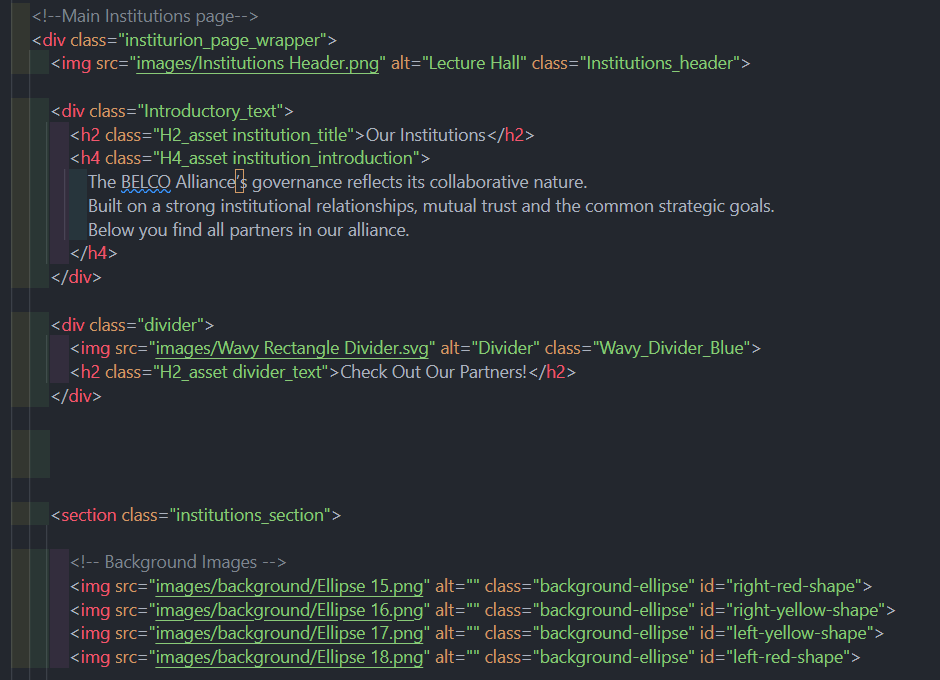
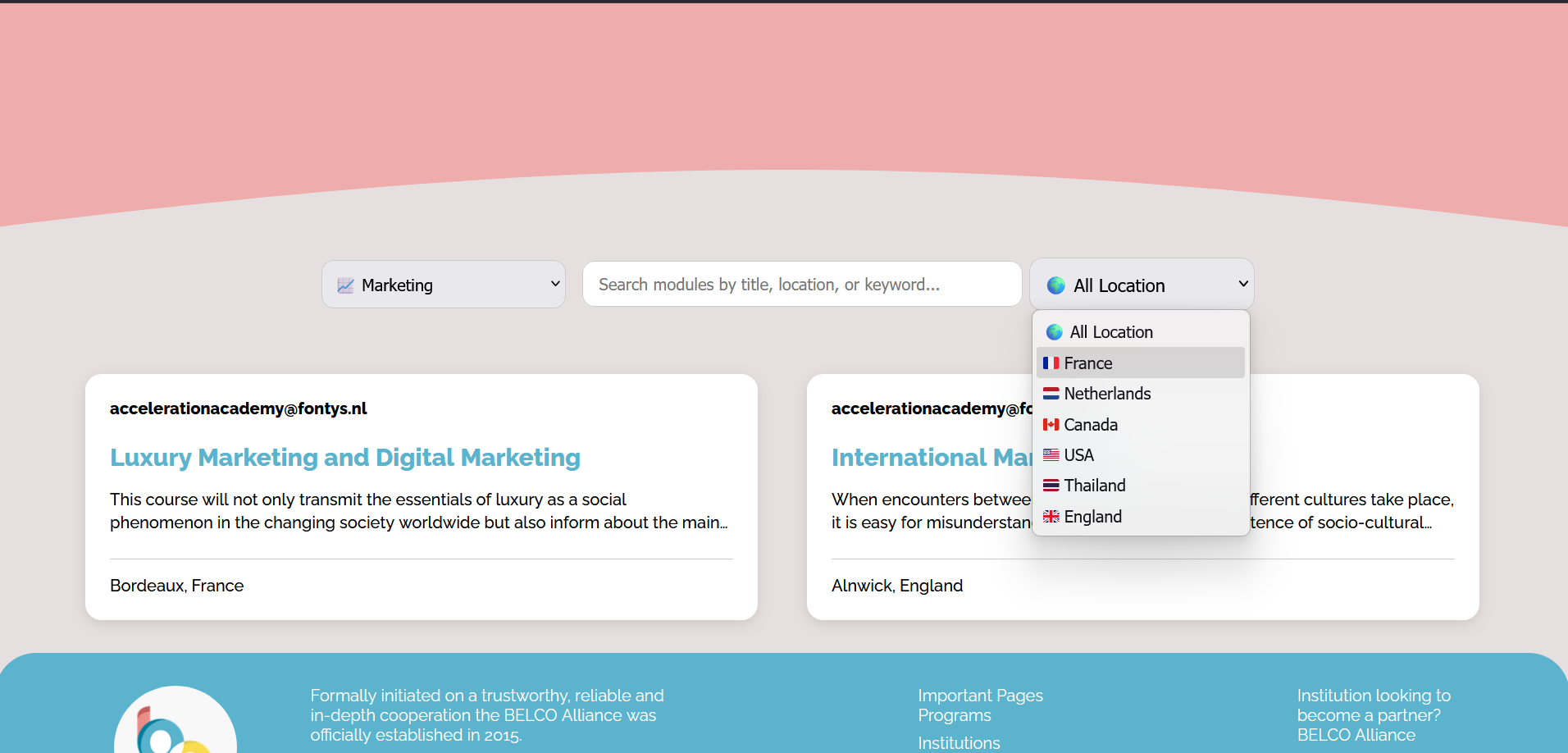
- I developed the Programs and Institutions pages.
- Helped set up a shared HTML/CSS structure for consistent layout.
- Implemented JavaScript filters for the exchange program page.
- Contributed to the structure of shared and page-specific CSS files.
How?
- Created a global stylesheet (assets.css) for shared elements: body, h1–h4, footer, and header.
- Each page also had a dedicated CSS file to avoid class/ID conflicts.
- Used rem units instead of px for scalable, responsive layouts.
- JavaScript filtering uses index comparisons to show/hide cards dynamically.
- Mapped out task division using Trello and synced code changes via Git.
Why?
The group needed to code efficiently and avoid stepping on each other’s work. Shared files and scoped CSS structures allowed us to work asynchronously without merge issues. JavaScript interactions, such as the filters, improved usability for browsing programs — making the site more functional and less static.
Recommendations
- Future group projects should begin with a written style and structure guide.
- Weekly mini code reviews could catch misalignments or inconsistencies earlier.
- More focus on commenting to aid any future contributors.
- Documenting JavaScript’s filter logic will allow reuse in future projects.
Trello & Git for Task Management and Version Control
Introduction
During the second half of the Belco Education project, our group moved from designing in Figma to actually building the website using HTML, CSS, and JavaScript. With limited time and multiple pages to build, we needed a system to divide tasks clearly and manage version control to avoid merge conflicts and duplicated work.
What?
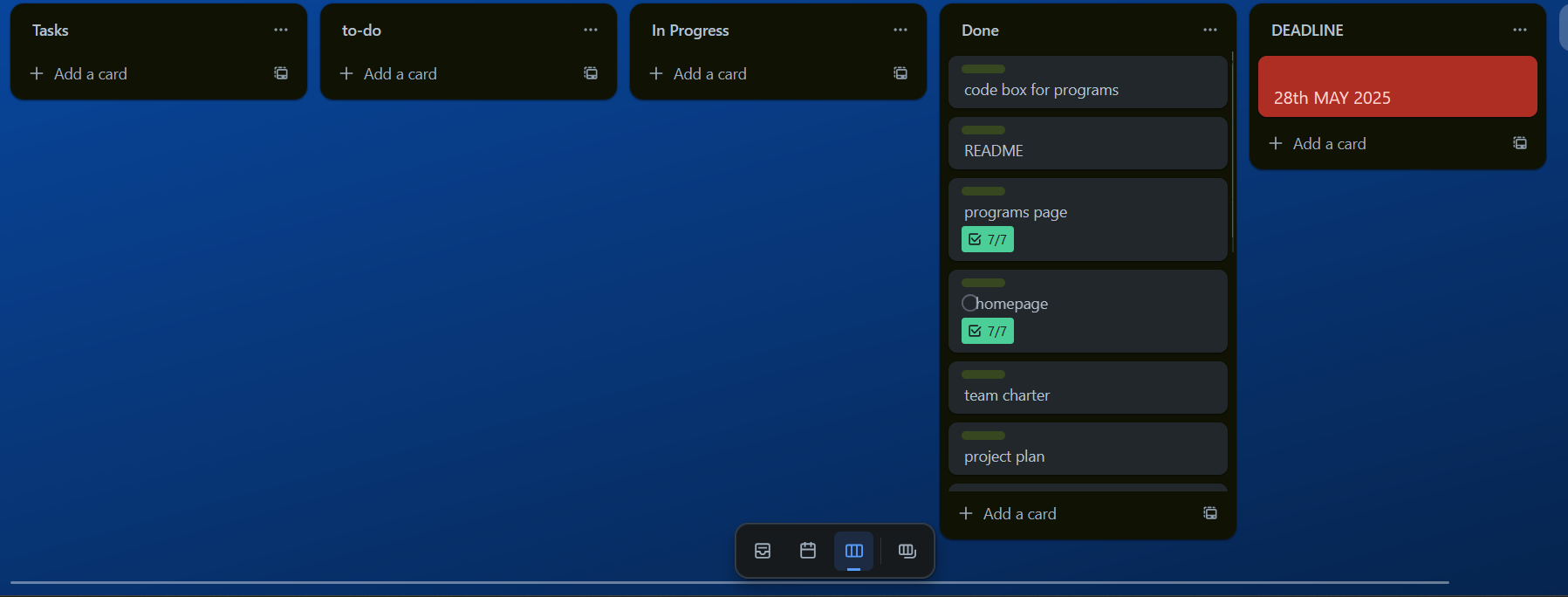
- Created and maintained a Trello board to manage project tasks.
- Used Git for version control, allowing us to work asynchronously.
- Assigned pages and sub-tasks to individual team members to improve workflow.
- Updated the Trello board and Git repo as work progressed and tasks shifted.
How?
- Set up Trello with clear columns: “To Do,” “In Progress,” “Needs Review,” and “Done.”
- Each card represented a task, e.g., “Build Programs Page” with subtasks like “Add filter,” “Style responsive grid,” etc.
- Used Git branches to work on pages independently and merged only when fully tested.
- Group discussions were used to refine Trello tasks and resolve any Git issues or sync errors.
Why?
Trello gave us a clear visual overview of who was doing what, when it was due, and what was blocking progress. Git ensured our codebases didn’t clash and allowed us to revert changes if something went wrong. These tools prevented confusion and helped maximize our time during the tight two-week deadline for implementation.
Recommendations
- For future group projects, I’ll introduce Trello and Git from the very beginning — even during research and design phases.
- I’ll enforce regular Git pushes and weekly Trello updates to ensure visibility for all team members.
- For solo work, I plan to continue using Trello-style planning and Git repos, especially with complex or multi-page projects like portfolios or game development.